
HP 80 Micron Everyday Laminating Pouches - Transparent | HP9157
Film thickness
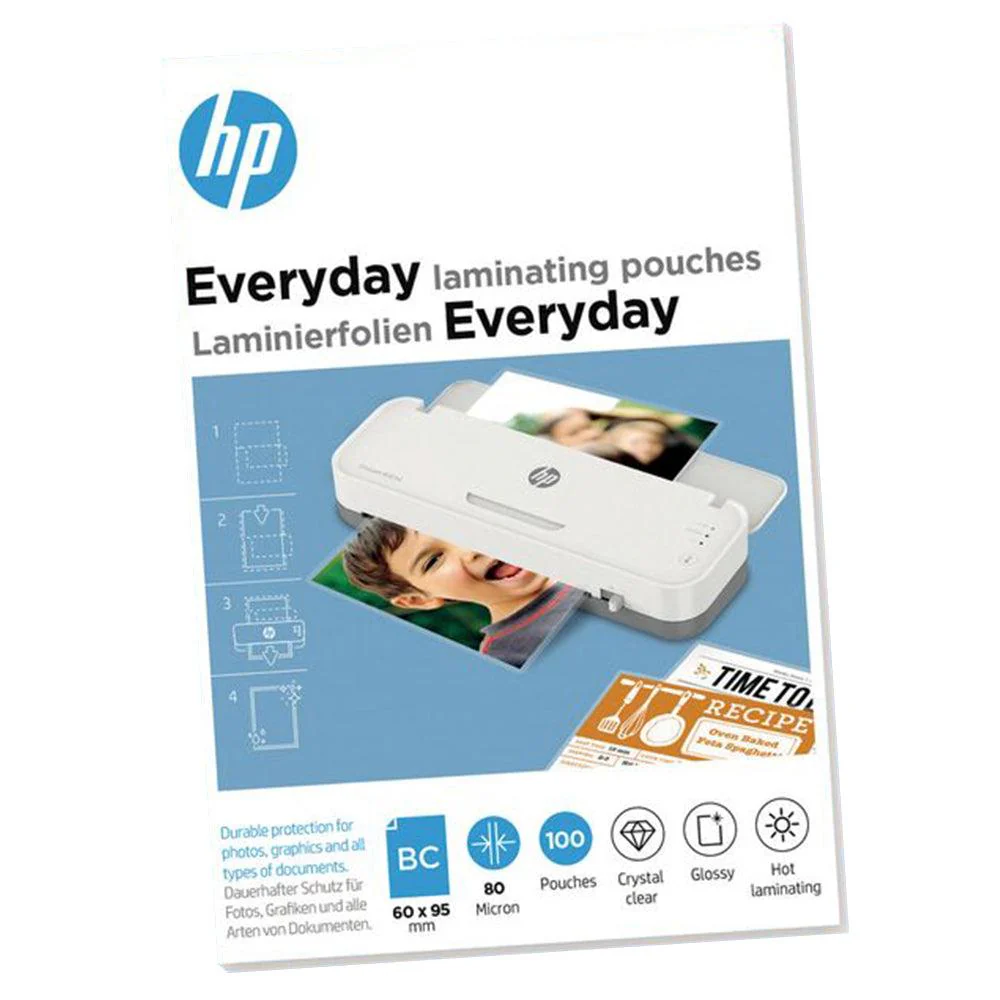
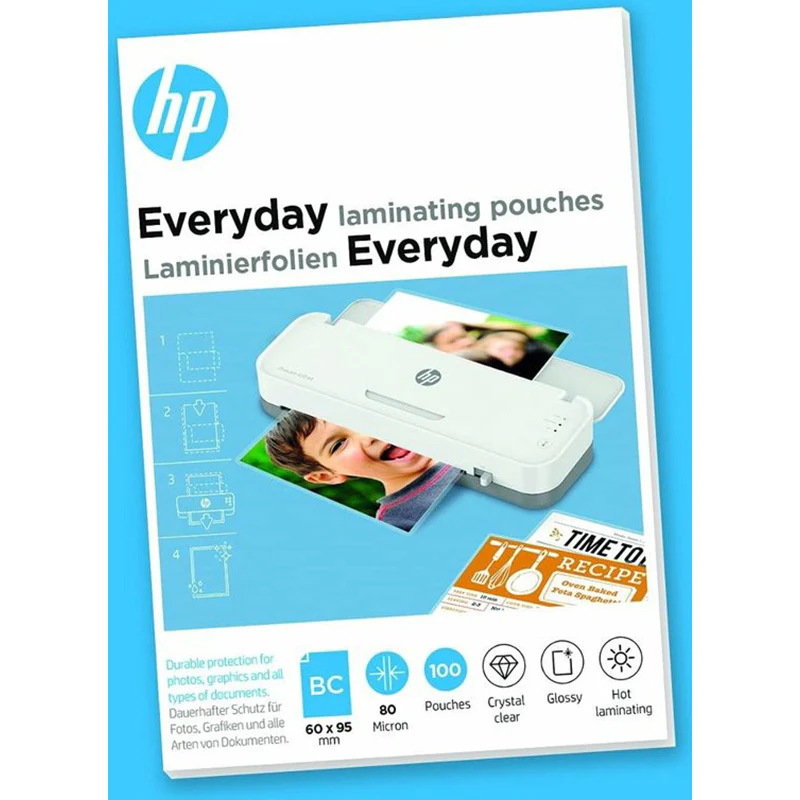
Laminating foils with a thickness of 80 microns
Format
For business cards with the dimensions 60 mm x 95 mm
Content
Packaging unit of 100 foils in a folding box
Characteristics
Glossy, transparent, suitable for hot lamination
Key facts
With HP Everyday laminating films , you not only protect your business cards from dirt, moisture and wear and tear, but also give them a classy feel. The area of application of the laminating bags is very diverse: Whether you want to upgrade price tags and labels or protect name tags from wear and tear, all of this is possible with the lamination process.
For hot lamination you need an appropriate laminating device, with which the foiling is easy to handle:
First select a suitable film for your document and set the required program on your laminator based on the film thickness. Place the material that you want to laminate in the middle of the laminating pouch so that you have an even edge. Once the device has reached the required operating temperature, place the laminating film with the closed side first in the input area of the device. Wait for the lamination process to finish and let the finished product cool down briefly before you cut and use it individually.
Technical Specification
- Slide Format: Business card
- Film Thickness: 80 micron
- Surface: Glossy
- Application: For hot lamination
- Contents: 100 pieces in a folding box
Product Information
Product Information
Shipping & Returns
Shipping & Returns
Description
Film thickness
Laminating foils with a thickness of 80 microns
Format
For business cards with the dimensions 60 mm x 95 mm
Content
Packaging unit of 100 foils in a folding box
Characteristics
Glossy, transparent, suitable for hot lamination
Key facts
With HP Everyday laminating films , you not only protect your business cards from dirt, moisture and wear and tear, but also give them a classy feel. The area of application of the laminating bags is very diverse: Whether you want to upgrade price tags and labels or protect name tags from wear and tear, all of this is possible with the lamination process.
For hot lamination you need an appropriate laminating device, with which the foiling is easy to handle:
First select a suitable film for your document and set the required program on your laminator based on the film thickness. Place the material that you want to laminate in the middle of the laminating pouch so that you have an even edge. Once the device has reached the required operating temperature, place the laminating film with the closed side first in the input area of the device. Wait for the lamination process to finish and let the finished product cool down briefly before you cut and use it individually.
Technical Specification
- Slide Format: Business card
- Film Thickness: 80 micron
- Surface: Glossy
- Application: For hot lamination
- Contents: 100 pieces in a folding box